01
Device slots
Your plan allows a limited number of devices at the same time. Open account management in the client to see which devices currently hold slots, so the new device does not hit a limit notice.
The transfer itself is simple. Most trouble comes from skipping these checks.
Your plan allows a limited number of devices at the same time. Open account management in the client to see which devices currently hold slots, so the new device does not hit a limit notice.
Check that your subscription is still active. If it is close to expiring, renew first and then transfer, so you are not handling renewal and sign-in on the same day.
Get the client for the new device from the download page on this site, and confirm system version and free storage before installing.
Do not create a new account. Your subscription status and device records belong to the original account, and a different account will not show them.
After signing in, make sure your plan shows up and the device list looks right before opening the route list.
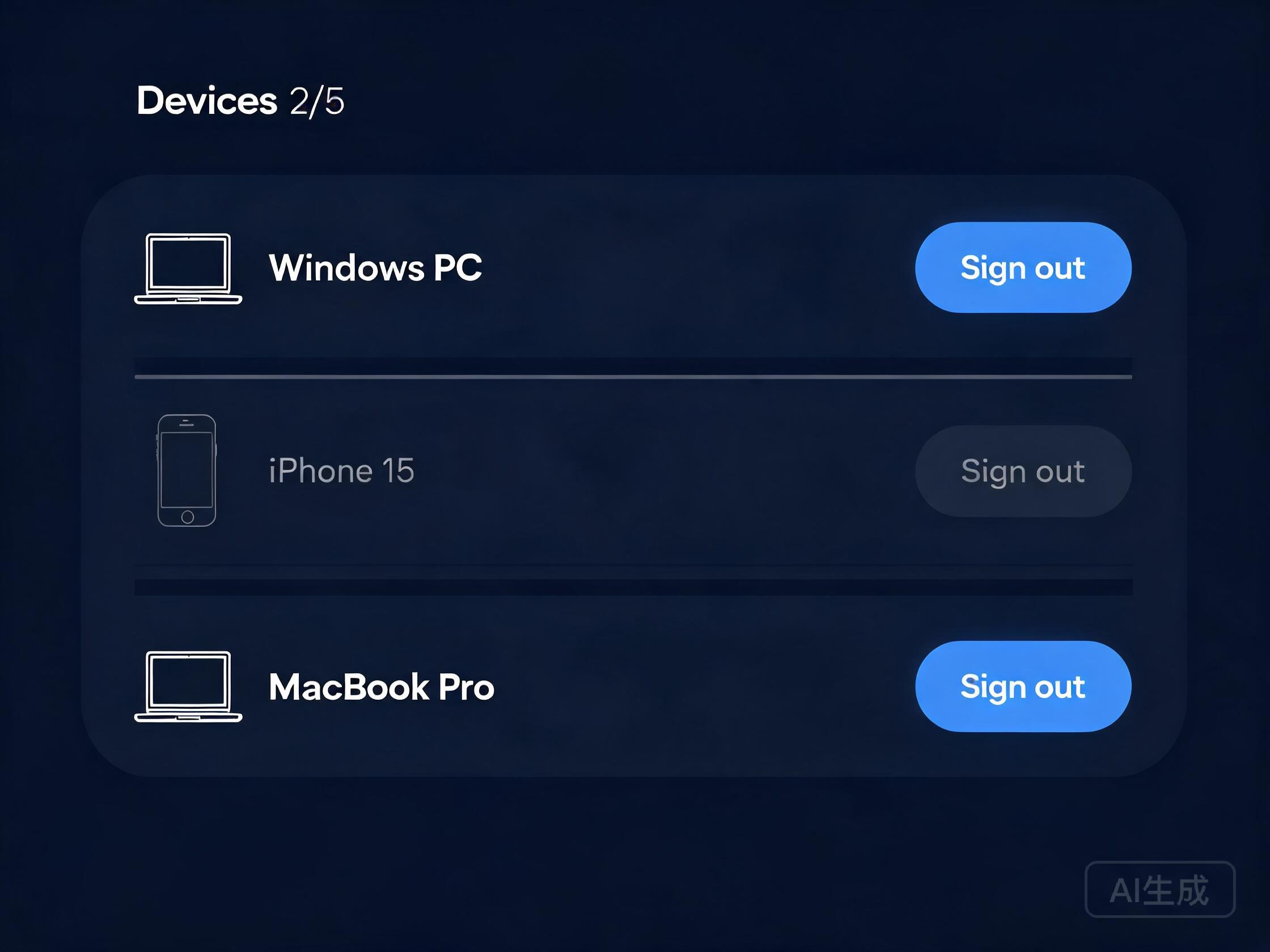
Illustrative mockup: device list with slot usage. Refer to your installed version.
Remove them or sign out from the device list in account management. The slot is released right away for the new device.
Slot usage follows your plan terms. If the new device reports a full slot list, clear an old device before connecting.
These situations are common during a switch, and each has a simple next move.
Re-enter the account slowly and confirm the client came from this site. If it still fails, write down the system, version, and exact wording shown, then send them in — repeated reinstalls rarely help.
The account on screen is usually a different one. Match the login email against the mailbox that received the purchase confirmation.
Clear an old device as described above. Do not solve a slot problem by purchasing again.
Pick the matching version and finish installation.
See device-count rules for each period.
Match other common symptoms with their fixes.
Check slots and period first, then follow the three steps — the whole move usually takes under ten minutes.